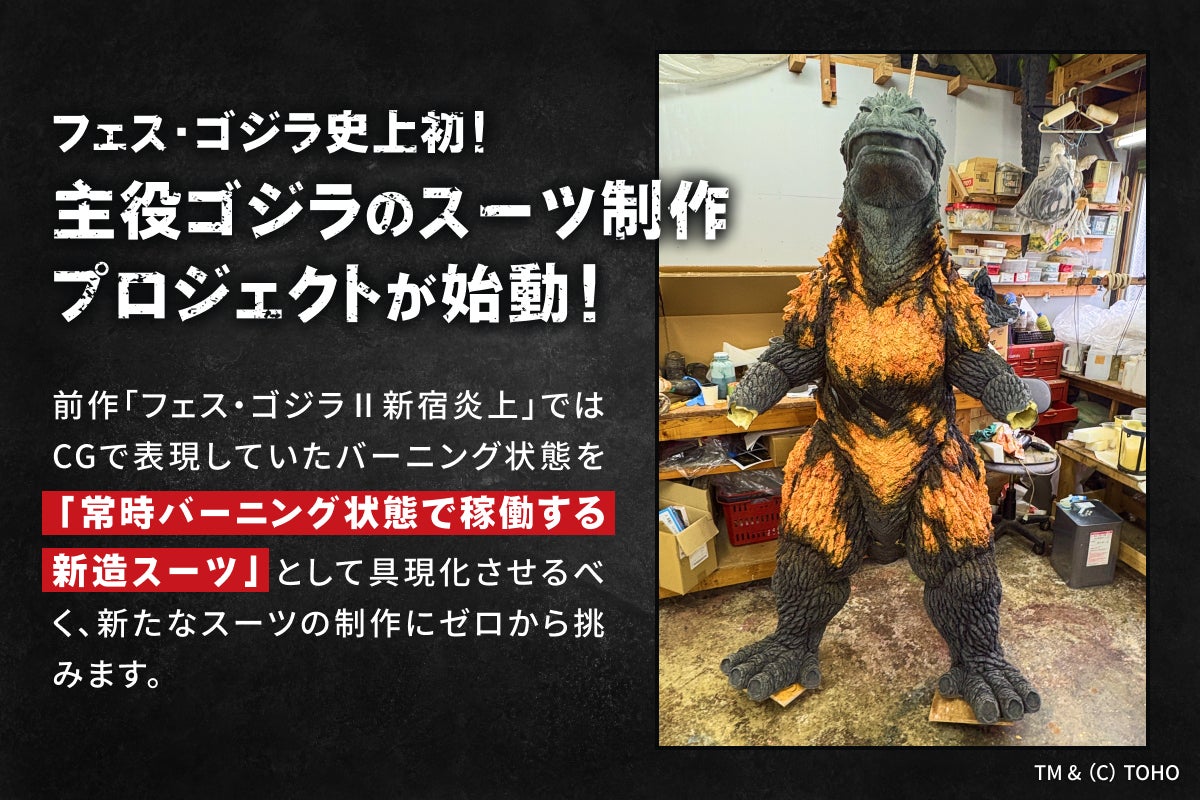
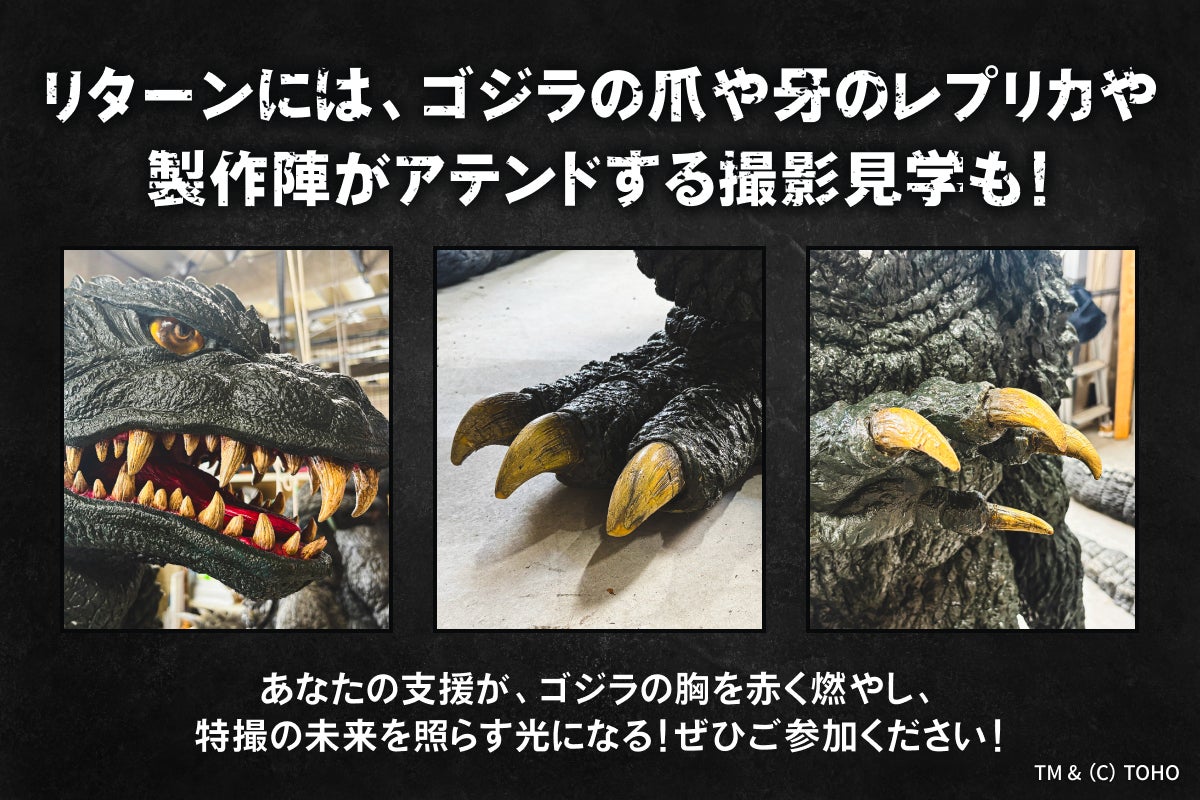

この度は「バーニングミレニアムゴジラスーツ制作プロジェクト」にご支援いただき、誠にありがとうございます。
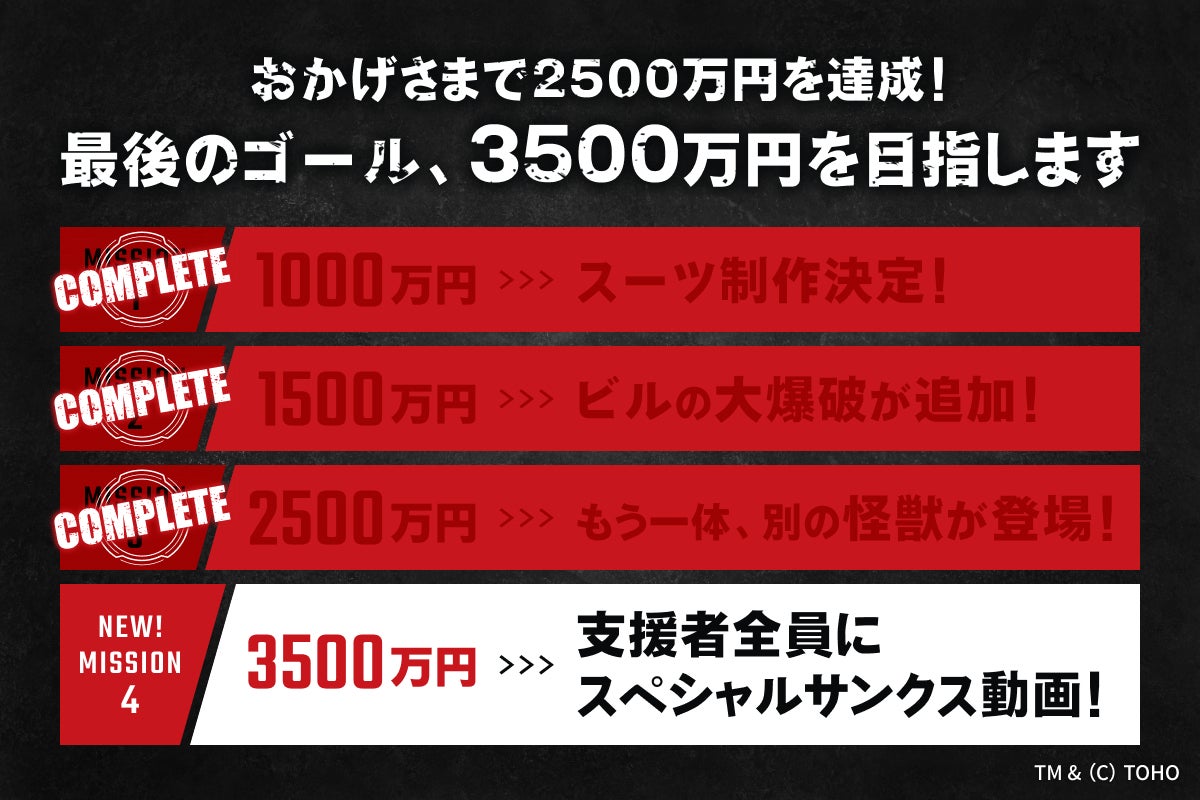
想定をはるかに超えるスピードでの第一目標【1,000万円】達成に驚きとともに、深い感謝を感じています。支援者の皆様、本当にありがとうございます。
そして現在、クレジット掲載名やTシャツサイズの選択ミスなど、手続きの変更に関するお問い合わせを多数いただいております。
CAMPFIREさんとも協議の上、以下に対応を掲載させていただきますので、ご一読いただければと思います。宜しくお願い致します。
ーーーーーーーーーーーーーーーーーーーーーーーーーーーーーーーーーーーーーー
恐れ入りますが、原則として個別メッセージでのやり取りによる変更対応は行っておりません。すでにお問い合わせをいただいている方も含め、お手数ですが必ず下記の手順に従い、ご自身でマイページまたは専用フォームよりお手続きをお願いいたします。
■住所入力ミス、および支援後の住所変更について
プロジェクト終了前までであれば、マイページより自由に住所変更が可能です。 下記のヘルプページをご確認の上、ご自身で更新をお願いいたします。 本プロジェクトの住所変更期限は一律「プロジェクト終了日まで」となります。終了時点の登録住所へ配送いたしますので、変更後の個別メッセージ等によるご連絡は不要です。
■ クレジット掲載名の変更・修正について
備考欄にご記入いただいた「クレジット掲載名」も、プロジェクト終了時までマイページより変更可能です。 個別メッセージでご連絡いただいた内容を運営側で反映することはできかねますので、必ずご自身で更新をお願いいたします。
▶︎ 備考欄(クレジット名)の変更方法(CAMPFIREヘルプ)
※「2名分の名前を記載してしまった」等のお問い合わせをいただいておりますが、以下の字数制限を満たしている場合は、そのまま掲載させていただきます。 ・日本語(漢字・ひらがな・カタカナ):15文字以内(全角) ・アルファベット:35文字以内(半角・スペース含む)
■ Tシャツサイズの変更について
Tシャツサイズは、支援確定後にシステム上での変更ができません。 サイズを変更する場合は、一度ご自身で支援をキャンセルした上で、ご希望のサイズにて再度ご支援いただく必要がございます。 下記のヘルプページを参考にキャンセル手続きを行ってください。なお、CAMPFIREによるキャンセル承認には数日かかる場合がございますので、予めご了承ください。
▶︎ 支援のキャンセル機能について(CAMPFIREヘルプ)
※限定数ありのコースを支援されている方のみ、キャンセルによって再支援ができなくなる恐れがあるため、個別にメッセージにてご相談ください。
■そのほかのコース変更や重複支援について
選択するコースを間違えた場合や、誤って複数回同じコースを支援(重複支援)してしまった場合も、CAMPFIREのキャンセル機能からお手続きが必要です。下記のヘルプページを参考にキャンセル手続きを行ってください。なお、CAMPFIREによるキャンセル承認には数日かかる場合がございますので、予めご了承ください。
▶︎ 支援のキャンセル機能について(CAMPFIREヘルプ)
※限定数ありのコースを支援されている方のみ、キャンセルによって再支援ができなくなる恐れがあるため、個別にメッセージにてご相談ください。
繰り返しとなりますが、個別メッセージのやり取りのみでは登録情報の変更は反映されません。 すでに個別にお問い合わせをいただいている方も含め、必ず上記に記載した手順(マイページからの更新、またはキャンセル手続き)でのご対応をお願い申し上げます。
ーーーーーーーーーーーーーーーーーーーーーーーーーーーーーーーー
Thank you very much for supporting the "Burning Millennium Godzilla Suit Construction Project."
We have received numerous inquiries regarding changes to backer information, such as mistakes in credit names and T-shirt size selections.
Please note that, as a general rule, we cannot accept or process changes via the CAMPFIRE messaging function. Even if you have already contacted us through CAMPFIRE messages, we kindly ask that you follow the procedures below to update your information yourself through your My Page or the designated forms.
■ Correcting and Changing Your Shipping Address
You can freely change your shipping address through your My Page at any time before the project ends. Please check the help page below and update your information.
The deadline for changing your address for this project is strictly until the end of the project period. Rewards will be shipped to the address registered at the time the project ends, so there is no need to notify us via CAMPFIRE messages after making the change.
▶ How to change your shipping address (CAMPFIRE Help Guide)
(Note: This help page is available in Japanese only. If you cannot resolve the issue, please contact CAMPFIRE Support directly.)
■ Modifying or Correcting Your Credit Name
The "Credit Name" entered in the Remarks column can also be modified via your My Page until the project ends. Please note that the project team cannot manually apply changes sent via CAMPFIRE messages. You must update this information yourself.
▶ How to change the Remarks column / Credit Name (CAMPFIRE Help Guide)
(Note: This help page is available in Japanese only. If you cannot resolve the issue, please contact CAMPFIRE Support directly.)
Regarding inquiries such as "I accidentally entered two names," they will be published as entered provided they meet the following character limits:
Japanese (Kanji, Hiragana, Katakana): Up to 15 full-width characters
English Alphabet: Up to 35 half-width characters (including spaces)
■ Changing T-Shirt Sizes
Once your support is confirmed, T-shirt sizes cannot be changed directly through the system.
To change the size, you must first cancel your current pledge and then back the project again with the correct size. Please refer to the help page below to proceed with the cancellation. Please note that it may take a few days for our team to approve the cancellation.
▶ About the Pledge Cancellation Function (CAMPFIRE Help Guide)
(Note: This help page is available in Japanese only. If you cannot resolve the issue, please contact CAMPFIRE Support directly.)
Attention: Only if you have backed a reward tier with limited availability, please contact us via CAMPFIRE messages before canceling, as you may not be able to re-back the tier if it sells out.
■ Changing Reward Tiers or Duplicate Pledges
If you have selected the wrong reward tier or accidentally backed the same tier multiple times (duplicate pledges), you will also need to request a cancellation via CAMPFIRE. Please follow the instructions on the help page listed above (under the T-Shirt section). Please note that it may take a few days for our team to approve the cancellation.
As a reminder, changes requested solely through CAMPFIRE messages will not be reflected in your registered information. Even if you have already sent us a message, please ensure that you complete the necessary procedures yourself (either by updating your My Page or processing a cancellation) as outlined above.
If you are unable to resolve these issues using the guides above, please contact CAMPFIRE Support directly for further assistance.
Thank you for your understanding and cooperation.